SMART Board iQ


SMART Board® iQ interactive display for teaching With all functions in the screen without license cost

SMART Board® iQ
interactive display for teaching

With all functions in the screen without license cost


Why SMARTBoard® iQ – all in one with no license fee

 SMARTBoard® iQ - all in one


Education requires interaction

SMART Board® makes digitization possible for everyone – with one login

Bring together

Brings together classroom technology, lesson content, students and teachers.

Know More

Simplify

Know More

Engaging

Create student-active lessons with built-in exercises and features with no license fee.

Know More

How does a SMART Board work?
No startup time, the screen is always ready. Without plugging in a computer, you have access to:


Bring together

Brings together classroom technology, lesson content, students and teachers.

Know More

Simplify

Easy to install, use and support with free Get Started online training.

Know More

Engaging

Create student-active lessons with built-in exercises and features with no license fee.

Know More


How does a SMART Board work?
No startup time, the screen is always ready. Without plugging in a computer, you have access to:

  • digital whiteboard with multi-way collaboration
  • wireless screen mirroring
  • browser
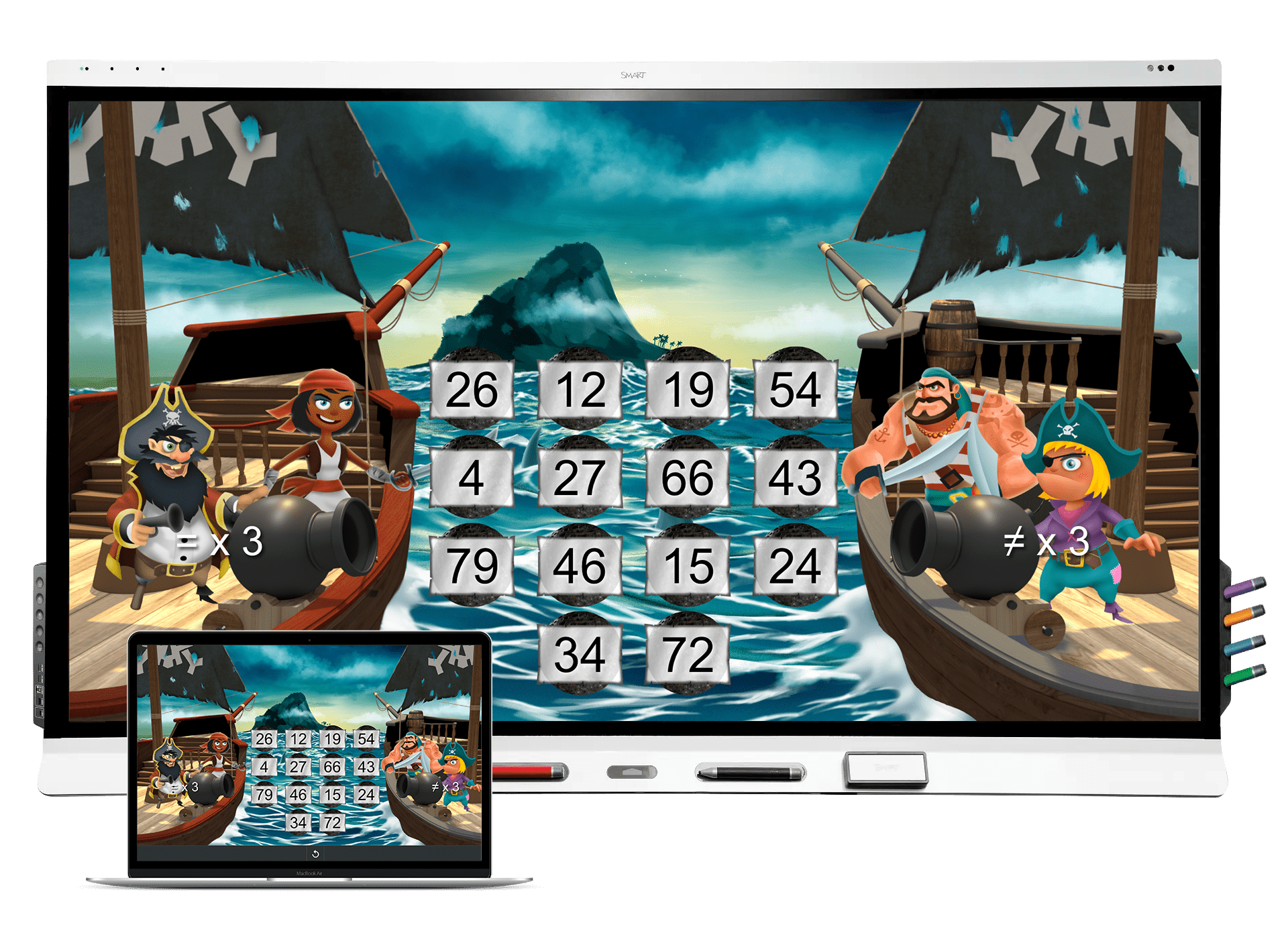
  • ready-made interactive exercises
  • classroom widgets such as dice, clock, timer, spinner etc
  • ready-made templates
  • YouTube without ads
  • library of copyright-free images
  • the Shout it Out response function
  • app library
  • file library
  • direct link to Lumio library
  • integration with the most common video conferencing platforms
  • choose your own background image on the home page and customize content
  • log in and access your settings
  • log out and clear the SMART Board for the next teacher
  • new updates

Connect your computer to the SMART Board iQ

Of course, you can plug in your computer and work with all the content you have on your computer and use SMART Ink to annotate, take screenshots, use drop-down, spotlight, magnifying glass, stamps and more on PDFs, Microsoft Office documents and web pages.

SMART Board together with Microsoft Teams, Google and Zoom

Integration with Google Drive , Microsoft Teams and Zoom as well as multitouch on Chrome OS, Mac and Windows.

  Integration SMART Board Google Microsoft Teams Zoom

SMART Board MX Series

SMART Board iQ® MX

SMART Board iQ with all functions built into the screen, 2 pens. Multitouch on Chrome OS, Mac and Windows.

SMART Board iQ with the latest innovation Tool Explorer™ . 2 pencils and 2 erasers. NFC card for easier login. Multitouch on Chrome OS, Mac and Windows.

SMART Board iQ® 6000S

SMART Board iQ with the latest innovation Tool Explorer™ . 2 pencils and 2 erasers. NFC card for easier login. Multitouch on Chrome OS, Mac and Windows.

Simultaneous Tool Differentiation - several people can work with different tools simultaneously on the screen.

Simultaneous Tool Differentiation

several people can work with different tools simultaneously on the screen.

SMART Ink™

SMART Ink™

– write on all surfaces with the digital ink and save the notes in the document. More about SMART Ink

Tool Explorer™

Tool Explorer™

– different physical tools perform different digital commands on the SMART Board 6000S.

Interactive exercises

Interactive exercises

– choose from lots of ready-made exercises on your SMART Board iQ

Screen sharing

Screen sharing

– share multiple screens simultaneously and scroll between pages in real time.

Preview connected multiple inputs

Preview connected

sources in real time – click on the source you want to use.

                                                                          Click here

SMART Notebook

Free with your SMART Board

SMART Notebook

Award-winning desktop software for creating engaging learning experiences with your SMART Board® – no subscription required. With SMART Notebook®, delivering exciting, engaging lessons has never been easier.

Download for free

Easily create and deliver lessons on your SMART Board

Engage your students with ease

Simple, flexible lesson planning

Creating fun and engaging learning experiences for your students is flexible and intuitive with easy-to-use interactive tools.

Object Awareness

Walk up and teach

Notebook is designed to maximize the power of SMART Boards, automatically detecting your touch, gesture, pens and erasers – no menus, no tool selection, no mode switching.

Keep students engaged in learning

Notebook is packed with features that hold student attention longer. Spotlight, annotate, and engage with interactive tools that integrate seamlessly with SMART ink to extend your teaching tools over web browsers, applications and more.

Built for the classroom

Math & Science

Help your students master math and science. Make abstract concepts more tangible with interactive tools that let them manipulate and expand elements for deeper understanding.

English Language Arts & Humanities

Help students hone those 21st century skills with choice boards, language manipulatives, and tools that make learning a tactile, multi-sensory experience. Digital literacy never looked so fun.

Arts & CTE

Empower students to creatively show their learning with a variety of media-rich tools that let them workshop and showcase their work.

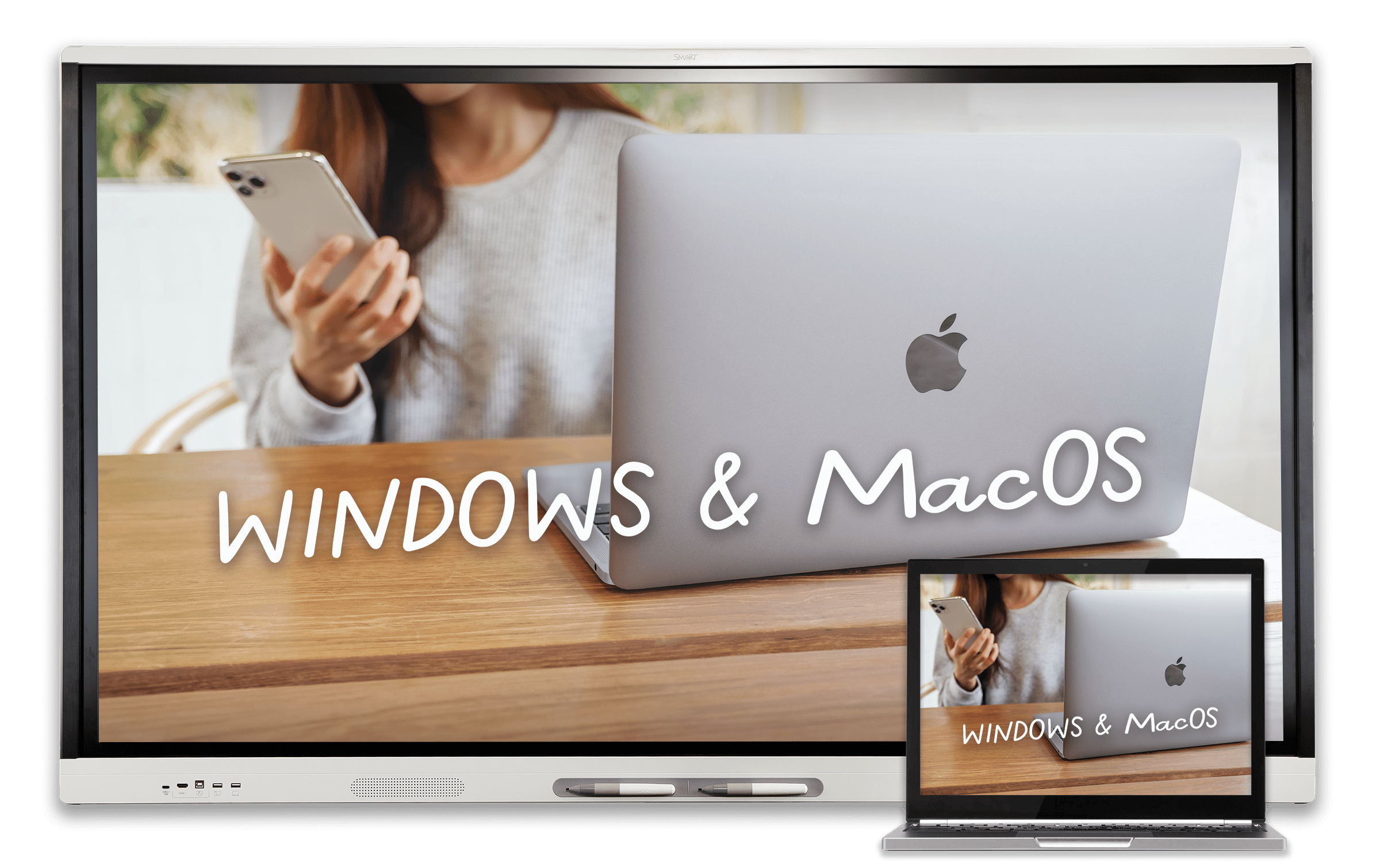
SMART board supports WIndows and MacOS

Supports Windows and Mac

Works with your existing tech

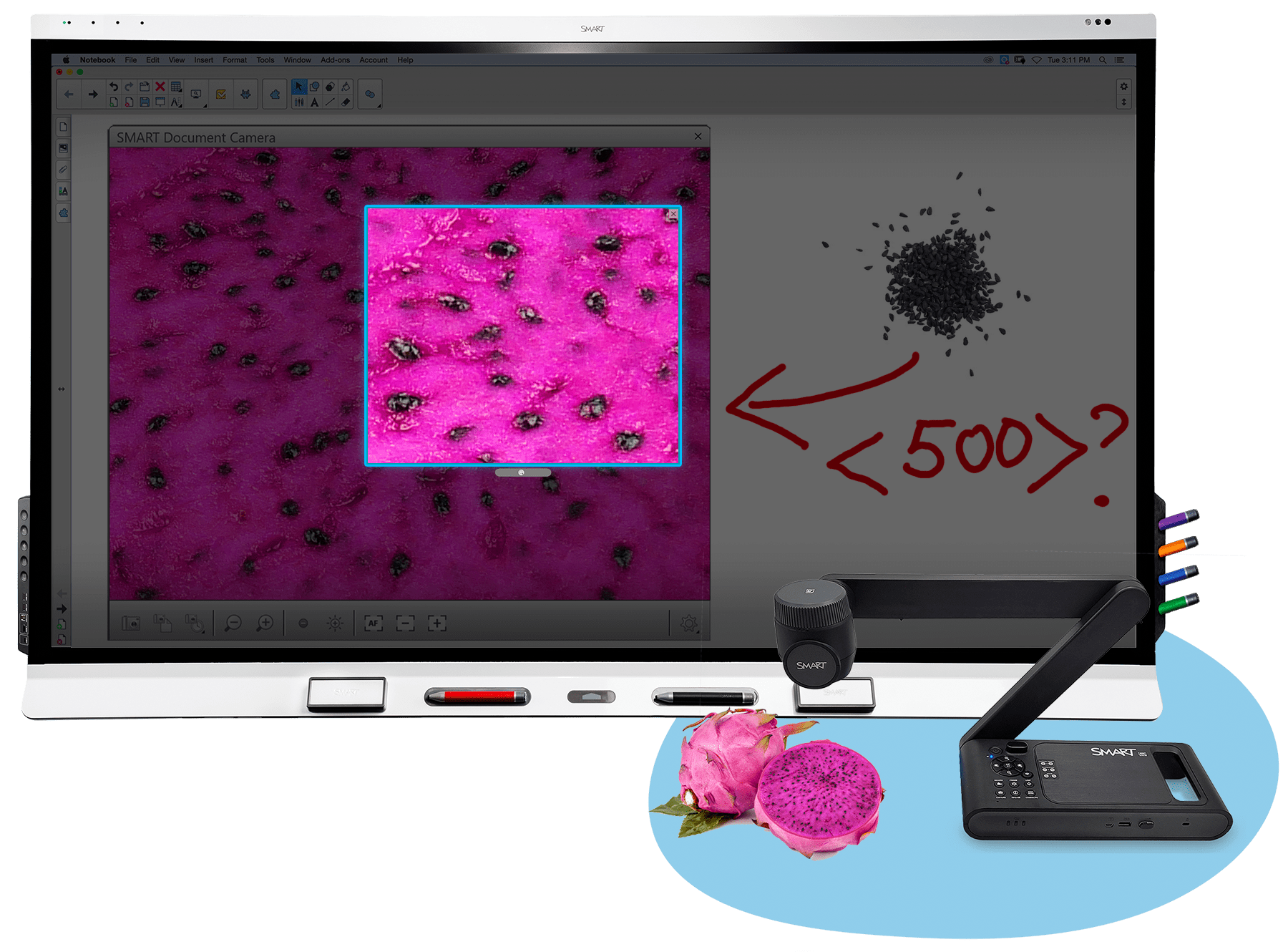
SMART Notebook is backwards compatible, letting you always access your lessons with the best performance on the newest versions of Windows and MacOS. Import PDF, PPT and your favorite curriculum content. Plus connect SMART Document Camera to integrate all of your tech tools for a fluid teaching and learning experience.

Software for your SMART Board

Bring more engagement to your classroom. SMART Notebook is created for your SMART Board interactive display, and is part of the free, always-growing set of teaching tools and resources for student engagement included with your purchase.

DOWNLOAD

Ready-to-use lessons + games

SMART Notebook Plus 

Free learning resources

Upgrade your student engagement 

Notebook helps teachers save precious prep time. Access a robust, built-in resource gallery, plus a library of lessons and game-based learning activities on the SMART Exchange, made for teachers by teachers.

Explore the library

Upgrade your learning software beyond whole-class instruction. SMART Notebook Plus gives you access to web-based features such as game-based activities with student device integration, and formative assessment tools to give you the insights you need to guide your students forward. 

Notebook Plus works with any brand of interactive display, so anyone can standardize on SMART software.

SMART Lumio

Deliver engaging lessons – no matter where your learners are.

Lumio is the digital learning tool for transforming lessons into active, collaborative learning experiences that engage students on their own devices.

Get it FREE

Here’s how Lumio works

Transform lessons in seconds, then deliver them to student devices in a browser, or via Google or Microsoft Teams. You can even combine different file types (PDFs, Google Slides, PowerPoint and Notebook files) into a single Lumio lesson!

More powerful than ever for anywhere learning

Welcome to Lumio, the digital learning tool for today’s changing teaching environments. Intuitive web-based software that helps you create engaging lessons students can interact within class, remotely, or on their own time all on their own devices.

Device graphic

It’s easy, start with your lessons or access ready-made resources

Import the lessons you already use, combine existing resources and enhance them with customizable components including games, collaborative workspaces and much more. Then deliver them to student devices quickly and easily, all from a browser, Google Drive™ or Microsoft Teams®.

See how it works

Engage your students like never before

Empower students to take ownership of their learning independently and as a group as they easily transition between classroom and distance learning. Hold attention and keep kids showing up, motivated and actively learning through interactive content on their own devices. 

See how it works

Capture insight into learning

Make learning visible to you and your class with a dashboard master view of each student’s work. Guide each learner individually in real time as they progress. While customized activities and games provide automatic feedback to keep learning on track.

“Lumio rocks! My students love using the activities. They love the music, the monsters, and their independence (by using their devices). I like that I can make something, or change something to fit my content in just a few minutes.”

Gretchen M
Teacher
Pennsylvania, US

Start using Lumio today

Lumio is part of a SMART Learning Suite subscription. SMART Learning Suite includes Lumio, for engagement everywhere on
student devices, and SMART Notebook Plus, for dynamic lessons on your interactive display

Let's Chat!